
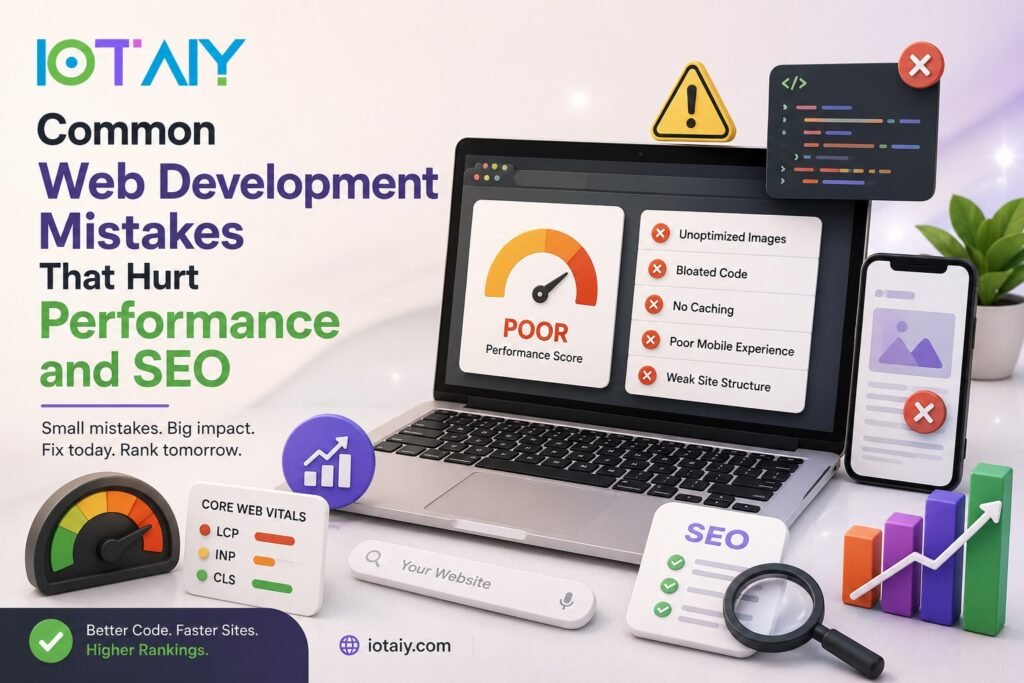
A slow, poorly structured website can quietly cost a business traffic, rankings, and revenue, often long before anyone notices why. Many of the biggest performance and SEO problems don’t come from a single obvious bug, they come from small development decisions that add up over time.
Whether it’s unoptimized images, bloated code, or a site structure search engines struggle to crawl, these mistakes are common across businesses of every size, from small local sites to large ecommerce platforms.
In this article, we walk through the most common web development mistakes that hurt performance and SEO, and how IOTAIY helps businesses fix these issues and build faster, more search friendly websites.
Why Performance and SEO Are So Closely Connected
Search engines and users judge websites by many of the same signals, which is why performance issues almost always translate into SEO problems as well.
- Search engines use page speed and Core Web Vitals as ranking factors
- Slow sites lead to higher bounce rates, which can signal poor user experience
- Crawlers have limited time to crawl a site, so inefficiency wastes crawl budget
- Poor mobile performance directly affects rankings, since most search traffic is mobile
- Technical SEO issues often stem from the same root causes as performance issues
As a result, fixing performance problems and fixing SEO problems usually go hand in hand.
Why These Mistakes Matter More Than Ever in 2026
User expectations and search engine standards keep getting stricter, making these issues harder to ignore.
- Rising user expectations for near instant page load times
- Search engines placing more weight on Core Web Vitals and mobile experience
- Growing use of rich media, scripts, and third party tools that add page weight
- Increasing competition for top search rankings across most industries
- More traffic coming from mobile devices with variable connection speeds
Therefore, businesses that address these mistakes early gain a real advantage over competitors still running slow, poorly optimized sites.
Read Also: SEO vs Google Ads – Which Delivers Better ROI in 2026?
Common Web Development Mistakes That Hurt Performance and SEO
Below are the mistakes that consistently show up during technical audits, along with why they matter and how to think about fixing them.
1. Unoptimized Images
Large, uncompressed images are one of the most common causes of slow loading pages, and they’re often the easiest issue to fix once identified.
Why it happens
- Images uploaded directly from cameras or design tools without compression
- No defined image dimensions, forcing the browser to resize on the fly
Impact on performance and SEO
- Significantly increases total page weight and load time
- Hurts Largest Contentful Paint (LCP), a key Core Web Vitals metric
- Missing ALT text on images also weakens image SEO and accessibility
How to fix it
- Compress and resize images before upload
- Use modern formats like WebP where possible
- Implement lazy loading for below the fold images
- Add descriptive ALT text to every image
2. Bloated, Unoptimized Code
Unminified CSS, excessive JavaScript, and render blocking scripts are common culprits behind sluggish page performance.
Why it happens
- Stacking multiple plugins or libraries that each load their own scripts
- Never removing unused CSS or JavaScript after development changes
Impact on performance and SEO
- Increases First Contentful Paint and Time to Interactive
- Render blocking resources delay how quickly a page becomes usable
- Slower pages can lead to higher bounce rates, which indirectly affects rankings
How to fix it
- Minify and combine CSS and JavaScript files
- Defer or asynchronously load non critical scripts
- Regularly audit and remove unused code and plugins
3. No Caching or Poor Caching Strategy
Without proper caching, every visitor forces the server to rebuild pages from scratch, wasting resources and slowing down response times.
Why it happens
- Caching plugins or server level caching left disabled or misconfigured
- No use of a content delivery network (CDN) for static assets
Impact on performance and SEO
- Slower Time to First Byte (TTFB), affecting overall page speed
- Increased server load, which can lead to downtime during traffic spikes
- Poor performance under load, especially harmful during high traffic events
How to fix it
- Enable page and browser caching at the server or plugin level
- Use a CDN to serve static assets closer to visitors
- Set appropriate cache expiration rules for different content types
4. Poor Mobile Responsiveness
With most web traffic coming from mobile devices, a site that isn’t properly optimized for smaller screens creates a poor experience and hurts rankings.
Why it happens
- Designing primarily for desktop and treating mobile as an afterthought
- Using fixed width elements that don’t adapt to different screen sizes
Impact on performance and SEO
- Search engines primarily use mobile first indexing for ranking decisions
- Poor mobile usability increases bounce rates and reduces conversions
- Content that’s hard to read or interact with on mobile can be devalued in rankings
How to fix it
- Design and test layouts on mobile first, then scale up
- Use responsive units and flexible grid layouts
- Test tap targets, font sizes, and navigation on real devices
5. Weak Site Structure and Internal Linking
A confusing site structure makes it harder for both users and search engines to find and understand content.
Why it happens
- Pages added over time without a consistent navigation or URL structure
- Little to no internal linking between related pages or blog posts
Impact on performance and SEO
- Search engines may struggle to crawl and index deeper pages
- Link equity isn’t distributed effectively across important pages
- Users have a harder time finding related content, increasing bounce rates
How to fix it
- Use a clear, logical URL and navigation structure
- Add contextual internal links between related pages and content
- Maintain an updated XML sitemap for search engines
Read Also: Why IOTAIY is The Best Web Development Company in USA
6. Missing or Duplicate Meta Data
Missing title tags, meta descriptions, or duplicate content across pages can confuse search engines and reduce click through rates.
Why it happens
- Pages published without setting unique titles and descriptions
- Templated content reused across many pages without customization
Impact on performance and SEO
- Search engines may generate their own, less effective titles and snippets
- Duplicate meta data can lead to keyword cannibalization between pages
- Lower click through rates from search results, even with decent rankings
How to fix it
- Write unique, descriptive titles and meta descriptions for every page
- Use canonical tags to address unavoidable duplicate content
- Regularly audit meta data across the site, especially after redesigns
7. Ignoring Core Web Vitals
Core Web Vitals measure real world loading, interactivity, and visual stability, and ignoring them affects both user experience and search rankings.
Why it happens
- Performance testing skipped or only checked once during initial launch
- Third party scripts and ads added without measuring their performance impact
Impact on performance and SEO
- Poor Largest Contentful Paint, Interaction to Next Paint, and Cumulative Layout Shift scores
- Directly factored into search engine ranking signals
- Layout shifts can frustrate users and lead to accidental clicks or drop offs
How to fix it
- Regularly test Core Web Vitals using real user and lab data
- Reserve space for images and ads to prevent layout shifts
- Audit third party scripts for their performance impact
8. Broken Links and Poor Redirect Management
Broken links and messy redirect chains waste crawl budget and create dead ends for both users and search engines.
Why it happens
- Pages deleted or URLs changed without setting up proper redirects
- Multiple redirect chains stacked on top of each other over time
Impact on performance and SEO
- Wastes crawl budget on dead ends instead of valuable content
- Passes less link equity through long redirect chains
- Frustrates users, increasing bounce rates and reducing trust
How to fix it
- Regularly audit the site for broken internal and external links
- Use direct 301 redirects instead of chaining multiple redirects
- Update internal links to point directly to current URLs
How IOTAIY Helps Businesses Fix These Issues and Improve SEO
Identifying these mistakes is one thing, fixing them correctly across an entire site is another. IOTAIY offers full service SEO and performance optimization to help businesses turn a slow, poorly structured site into a fast, search friendly one.
- Complete technical SEO and performance audits, covering speed, structure, and Core Web Vitals
- Image, code, and caching optimization to reduce page load times
- Site structure and internal linking improvements to strengthen crawlability
- On page SEO fixes, including meta data, schema markup, and content optimization
- Ongoing monitoring and reporting to track rankings, traffic, and performance over time
As a result, businesses working with IOTAIY don’t just get a list of problems, they get a clear, prioritized plan to fix them and measurable improvements in speed and search visibility.
Common Mistakes Businesses Make When Addressing These Issues
Even when problems are identified, businesses often approach fixes in ways that limit their overall impact.
- Fixing performance issues without considering SEO impact, or vice versa
- Making one time fixes instead of setting up ongoing monitoring
- Focusing only on the homepage while ignoring deeper site pages
- Adding new plugins or scripts without testing their performance impact
- Treating SEO as a one time project instead of a continuous process
If your site has run into these patterns before, working with an experienced team like IOTAIY can help build a more sustainable, long term approach to performance and SEO.
Mistakes and Their Impact at a Glance
| Mistake | Primary Impact | Fix Priority |
|---|---|---|
| Unoptimized images | Slower load times and weaker image SEO | High |
| Bloated, unoptimized code | Slower rendering and interactivity | High |
| No caching strategy | Slower server response and higher load | High |
| Poor mobile responsiveness | Lower rankings and higher bounce rates | High |
| Weak site structure | Poor crawlability and uneven link equity | Medium |
| Missing or duplicate meta data | Lower click through rates and keyword conflicts | Medium |
| Ignoring Core Web Vitals | Lower rankings and poor user experience | High |
| Broken links and redirects | Wasted crawl budget and lost link equity | Medium |
Conclusion
Most performance and SEO problems don’t come from one big mistake, they build up gradually through unoptimized images, bloated code, weak site structure, and inconsistent technical maintenance. The good news is that each of these issues is fixable with the right process and attention.
For businesses that want a faster, better ranking website without guessing at what to fix, partnering with an experienced team like IOTAIY provides a clear path from technical audit to measurable SEO and performance improvement.
Read Also: How to Optimize your Ecommerce Website to Convert Users
Frequently Asked Questions (FAQ)
| 1. How do I know if my website has performance or SEO issues? |
|---|
| Common signs include slow page load times, high bounce rates, declining search rankings, and poor Core Web Vitals scores in tools like Google Search Console or PageSpeed Insights. |
| 2. Which mistake usually has the biggest impact on rankings? |
| Poor mobile responsiveness and weak Core Web Vitals tend to have the largest impact, since both directly affect how search engines evaluate and rank a site. |
| 3. Can fixing performance issues alone improve my SEO? |
| In many cases, yes. Faster load times and better Core Web Vitals scores can lead to improved rankings, though addressing structural and on page SEO issues alongside performance typically produces stronger results. |
| 4. How often should a website be audited for these issues? |
| A technical and SEO audit every few months, or after any major site changes, helps catch new issues before they significantly affect rankings or performance. |
| 5. How can I get started with IOTAIY’s SEO and performance services? |
| Businesses can visit the Contact Page to discuss their website’s performance and SEO needs with the IOTAIY team. |